Ariba invoice rejected. Here's how to fix it.
A rejected Ariba invoice always comes with a reason. Here's where to find it, what the usual messages mean, and which problems only your customer's accounts payable team can clear.
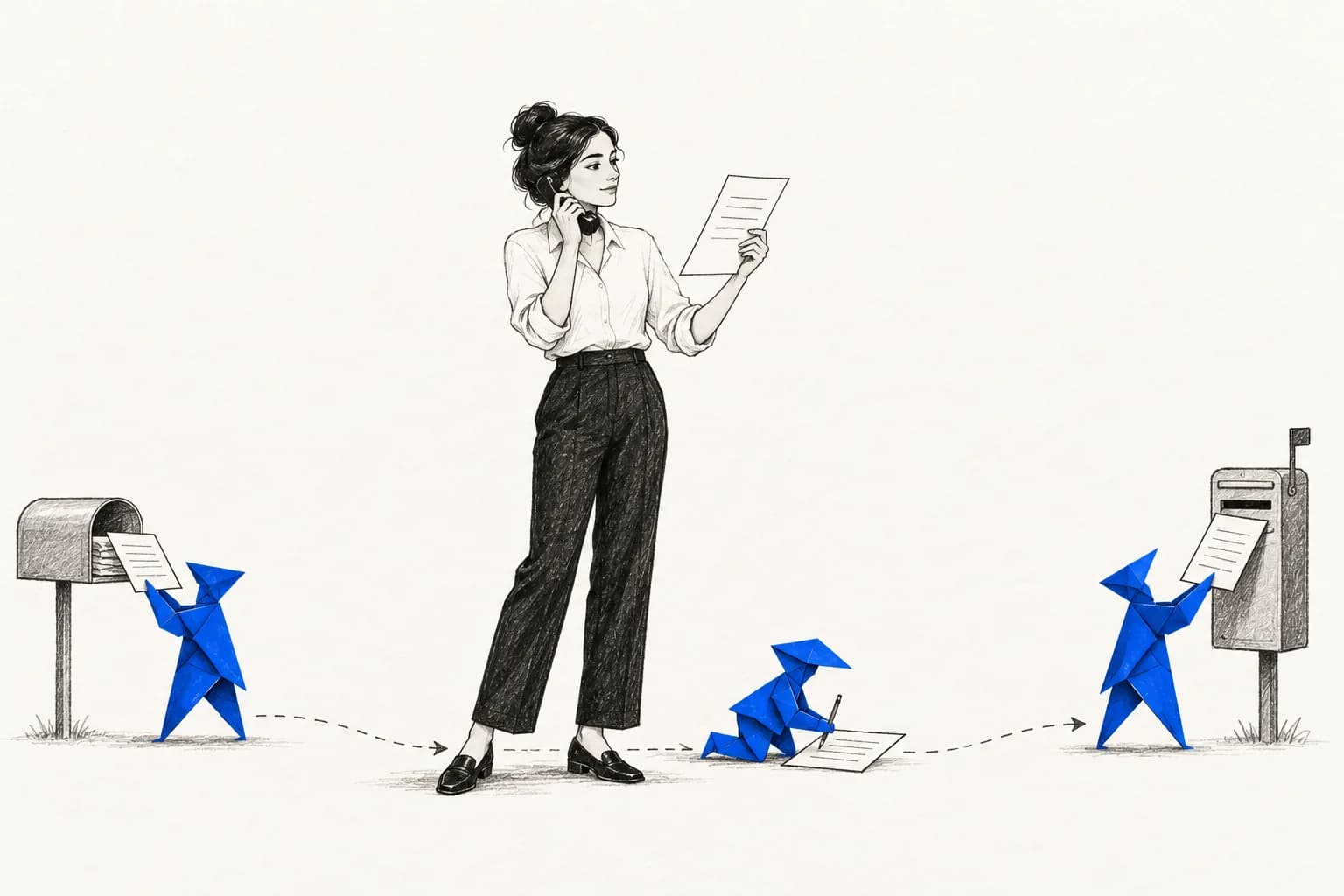
The work, end to end.
Read the reason
Fix the invoice
Edit & resubmit
Follow up with AP
Stuck in pending approval for weeks?
It's in the customer's approval chain. Chase the PO requester or AP.
Ariba tracks two statuses.
Every invoice on SAP Business Network, the network behind Ariba, has a routing status and an invoice status. Routing tells you whether it arrived. Invoice status tells you what your customer did with it.
A Failed routing status means the network couldn't deliver the invoice at all, so correct the errors and resubmit. Rejected means it arrived and was turned down, either by the network's checks against your customer's rules or by your customer in their own system.
What each invoice status means.
Sent
It reached your customer's system. They haven't approved or rejected it yet.
Approved
Accepted. You can't change it now. Fix a mistake with a credit memo.
Rejected
Turned down, fully or partially, with a reason attached.
Paid
Your customer sent remittance. Not every customer does, so an invoice can sit at Approved after it's paid.
Failed
A routing status: it never got delivered. Fix the errors and resubmit.
Obsoleted
A routing status for the original after you cancel it or edit and resubmit.
Find the reason and resubmit.
Open the rejected invoices list
Under Invoices, filter to rejected invoices. Widen the date range if you don't see it; the list often shows only the last month by default.
Read the reason
Open the invoice. The reason appears at the top of its detail page.
Edit and resubmit
Use Edit & Resubmit. It only works on failed or rejected invoices, and the PO must still be active.
Check the invoice number
By default the network doesn't allow duplicate invoice numbers, but each customer can choose to allow reuse. Many ask for a suffix, like 12345A.
Common rejection messages, in plain English.
Quantity invoiced greater than goods receipt quantity
You billed for more than your customer has recorded as received.
Order reference is an obsolete, duplicate, or replaced order
You invoiced an old version of the PO. Invoice the current one.
Tax information is missing
A line or the summary has no tax, or has more than one tax rate where only one is allowed.
Ship To, Bill To or Remit To missing or incomplete
An address doesn't match what the customer expects, often the legal entity on the PO.
Invoice can not be back-dated
The invoice date is older than your customer allows.
Price, currency or unit doesn't match the PO
A line differs from the PO by more than your customer's tolerance.
What only your customer can fix.
A wrong or expired PO
Wrong price, used-up budget, an expired blanket order or a deleted PO line.
A missing goods receipt
If they haven't recorded delivery, invoices that must match a receipt will keep failing.
Pending approval
The invoice is in their internal approval workflow. You can't push it from your side.
Invoice number reuse
Whether you can reuse a rejected invoice's number is their setting, not yours.
Or hand the portal to us.
Working rejections, resubmitting and following up with accounts payable is a big part of billing work. Zaffre's billing specialist does it every day for the suppliers we work with, inside their own Ariba account, and brings the calls that are theirs to make back to them.
Common questions.
Where do I find why my Ariba invoice was rejected?
Open the invoice from your rejected invoices list. The reason shows at the top of the invoice detail, next to Edit & Resubmit.
Can I reuse the invoice number after a rejection?
It depends on your customer. The network blocks duplicates by default, but customers can allow reuse for rejected, failed or canceled invoices. If unsure, add a suffix.
My invoice has been pending approval for weeks. What can I do?
It's with your customer. Confirm it was delivered, check that they recorded the goods receipt if the PO needs one, then contact the PO requester or their accounts payable team with the invoice and PO numbers.
What if the invoice is approved but wrong?
An approved invoice can't be edited. Send a credit memo, then a corrected invoice.
Does a free standard account work differently?
Standard accounts can create and send invoices to each customer. The rejection reason and Edit & Resubmit work the same way in standard and enterprise accounts.